
Edit Text in Image Online
Replace words in posters, screenshots, product images, and graphics while keeping the original visual style.
Before & After
Change the words, not the design
Compare the original and edited versions to see how the replacement text fits the same composition.
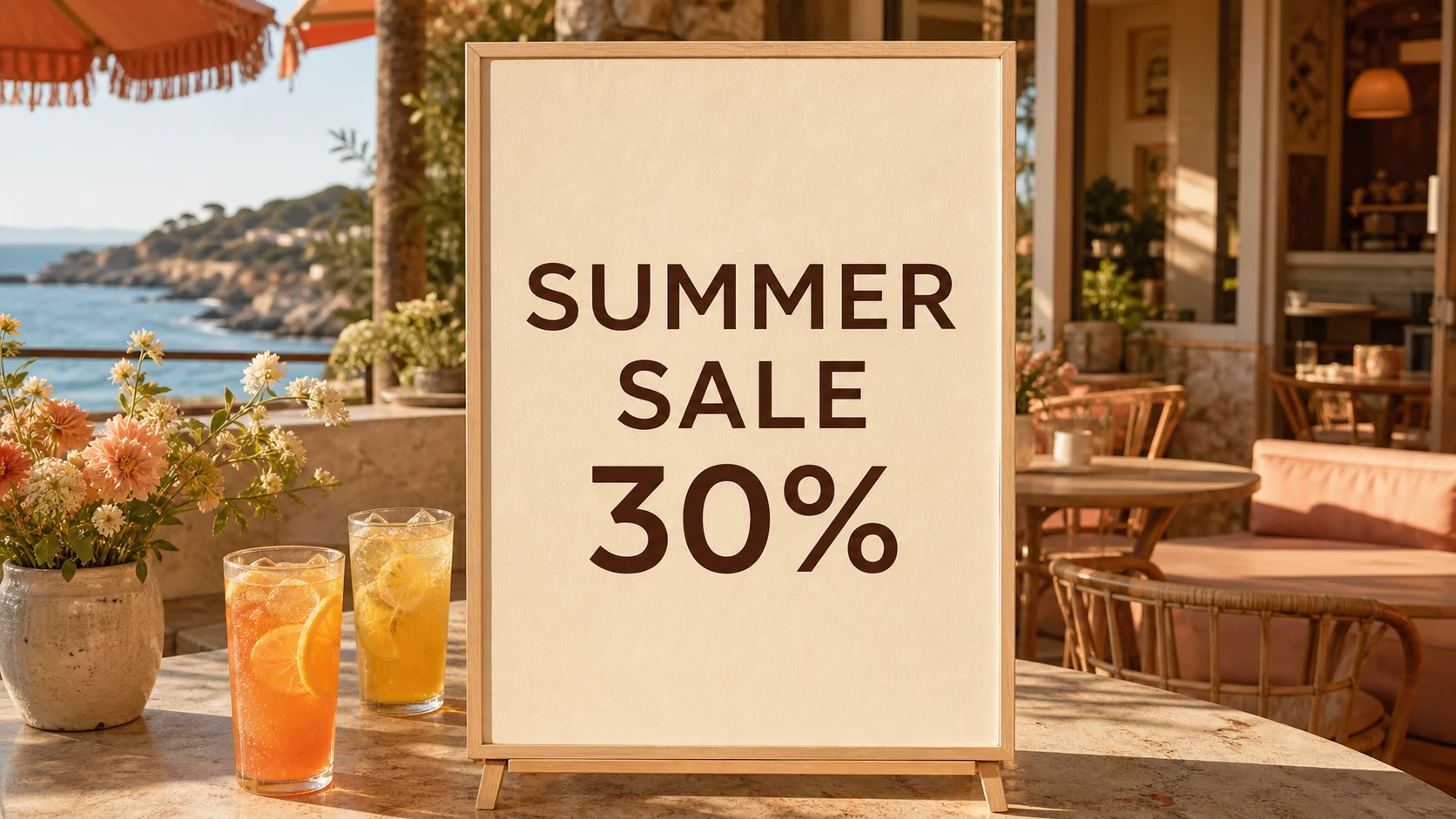 Before
 After
AfterHow to edit text in an image
A focused three-step workflow for changing words in a finished image.
Upload your image
Choose a poster, screenshot, product image, social graphic, or other flattened image file.
Enter the text change
Tell the editor which existing words should be replaced and enter the new copy.
Review and download
Compare the edited result with the source image before saving the final version.
Edit existing image text without rebuilding the design
A simple workflow designed around the details that make text replacement look natural.
Preserve the visual style
Keep the replacement aligned with the original typography, color, spacing, and surrounding composition.
Restore the background
Reconstruct the area behind the old words instead of covering them with an obvious text box.
Work from finished images
Start with a JPG, PNG, or WebP even when the original PSD, Figma, or Canva file is unavailable.
Fix small copy mistakes
Correct a typo, date, price, headline, label, or call to action without recreating the full visual.
Review changes visually
Use a clear before-and-after comparison to inspect the intended text change in context.
Use a focused workflow
Upload, specify the old and new text, and continue without navigating a full design suite.
Edit text in images for everyday work
Update the words inside the visual you already have instead of starting the entire design again.
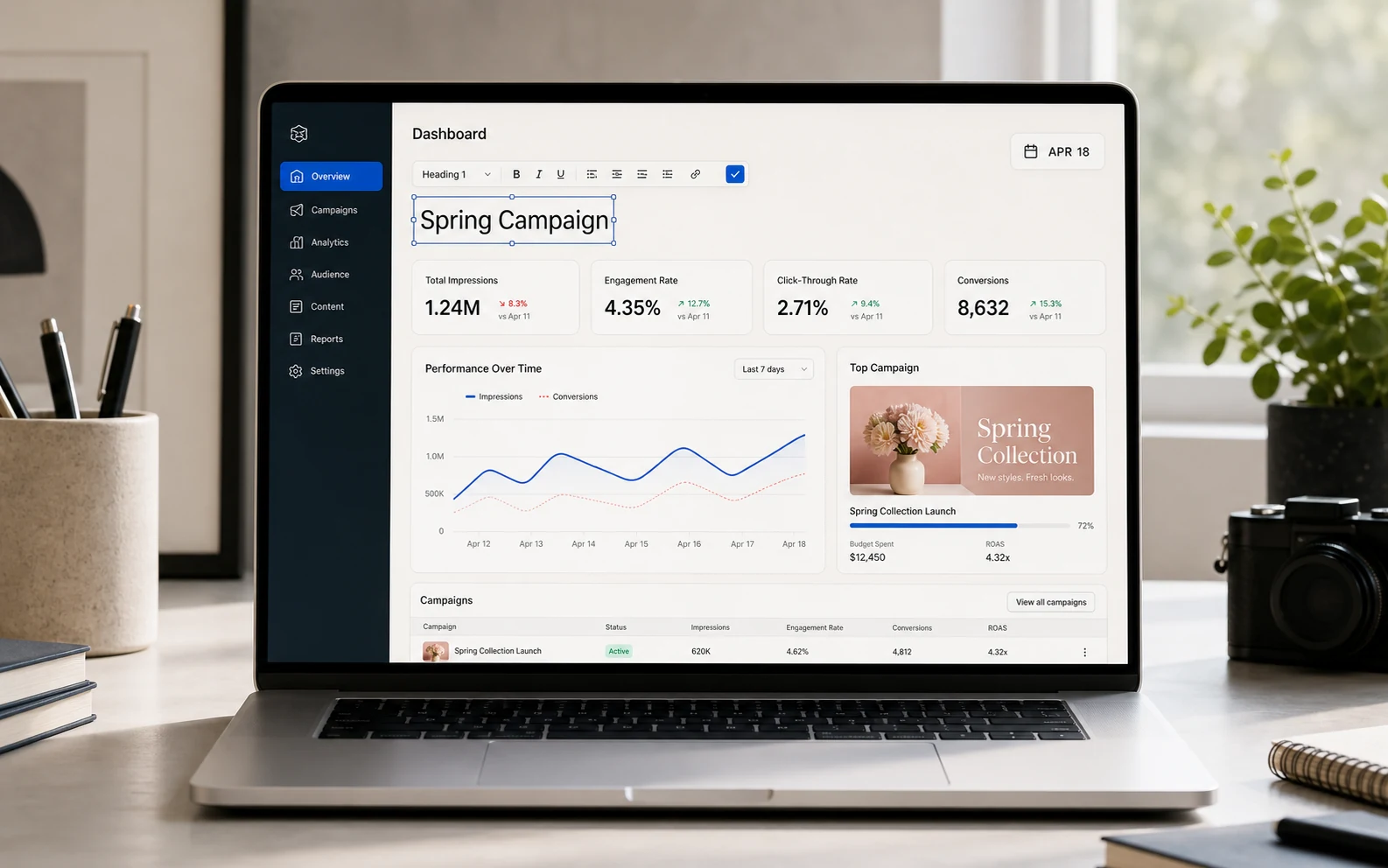
Screenshots and product interfaces
Correct labels, names, dates, UI copy, and demo content when the original screen is no longer available.

Posters, flyers, and social graphics
Update headlines, event details, promotional copy, and calls to action without rebuilding the layout.

Product images and campaign variants
Change a price, product label, campaign message, or regional version while keeping the same visual direction.
A simpler approach
Edit image text without rebuilding everything
Use a focused text replacement workflow when a full design editor would add unnecessary manual work.
Flexible pricing built around credits
Start with free credits, then choose the plan that matches your image text editing workload.
Free
Explore the workflow before moving to a paid plan.
Included
- 3 credits when you sign up
- Try the core image editing workflow
- Upload common web image formats
- Preview and compare your results
- Same Free benefits on both billing views
Create an account to claim 3 free credits once.
Pro
For individuals and small teams with recurring edits.
Included
- 200 credits per month
- Monthly billing at $15
- A predictable balance for regular edits
- Built for ongoing creative work
- Standard support
A strong fit for consistent monthly usage.
Max
For high-volume users who need more room to edit.
Included
- 300 credits per month
- Monthly billing at $30
- More room for parallel projects
- Lower effective cost per credit than Pro
- Priority support
Best for sustained high-volume usage.
Frequently asked questions about editing text in images
What to expect when replacing text inside a finished image.
How do I edit text in an image?
Upload an image, enter the original words and their replacement, then submit the edit. The result workflow will be connected during the backend phase.
Do I need the original PSD, Figma, or Canva file?
No. The workflow is designed for flattened image files such as screenshots, exported graphics, and product images.
Which image formats does the form accept?
The current front-end accepts PNG, JPG, JPEG, and WebP images up to 10 MB.
Can the replacement keep the original font and style?
Style preservation is a core product goal. The exact supported fonts, effects, and difficult cases will depend on the backend editing model.
Can I edit text in screenshots and AI-generated images?
These are primary use cases, along with posters, product images, social graphics, and other finished visuals.
What happens if the original text is difficult to detect?
The form lets you provide the exact original text. OCR correction and manual region selection can be added with the backend editing workflow.
Does the current page upload my image?
Not yet. This front-end phase previews the selected image locally in your browser and does not call an upload or generation API.
Can the tool be used for deceptive edits?
No. Identity documents, financial evidence, transaction proofs, and edits intended to mislead people should not be accepted when the backend launches.
Ready to edit text in your image?
Upload a finished image and specify exactly which words you want to replace.